Request an update on your service job
Have an existing repair or assessment with Qatar Mobile? Keep your service reference ready when you contact the team for an update.
This page currently provides a service enquiry route, not an automatic live tracking tool. The team will confirm the status against your actual service record.
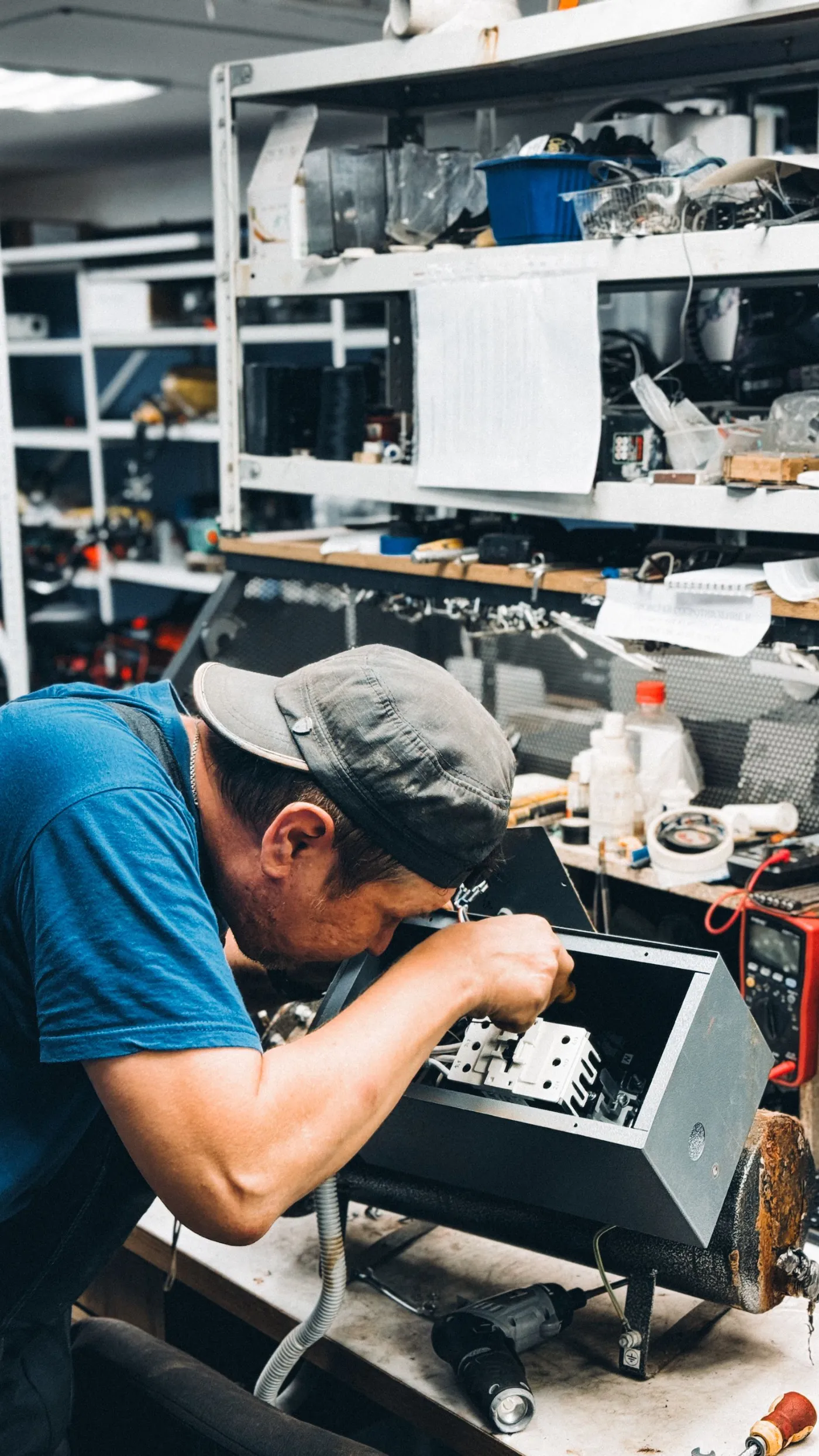
How we can help
Have your reference ready
Use the job or service number shown on your receipt or previous service communication.
Identify the equipment
Keep the brand and model available to help distinguish the correct device or system.
Contact the service team
Ask the team for the current status and any action needed from you.
Explore Contact the service teamWhat an update may clarify
Ask whether an assessment has been completed, whether an estimate needs approval, whether parts are required or whether collection arrangements can be confirmed. Only the service team can verify the stage of your specific job.
- Assessment findings or information still needed
- Repair estimate and approval requirements
- Parts availability and revised timing
- Whether the item is confirmed ready for collection
If you cannot find your job number
Contact the team using the details provided when the job was registered. They may need to verify that you are authorized to receive information about the service record. Do not post personal or device-identifying information publicly.
Common questions
Can I track my job automatically here?
Not yet. This page does not connect to a live tracking system. Contact the service team for a verified update.
Does an estimated date confirm the repair is ready?
No. Wait for explicit confirmation from the service team before arranging collection.
Can someone else request information for me?
The team may need authorization or identity verification before discussing another person’s service record.
Need an update on an existing job?
Have your service reference ready and contact the team for a verified update.